How to summarize and paraphrase PDFs using AI
A guide on how to summarize and paraphrase PDF content using AI tools
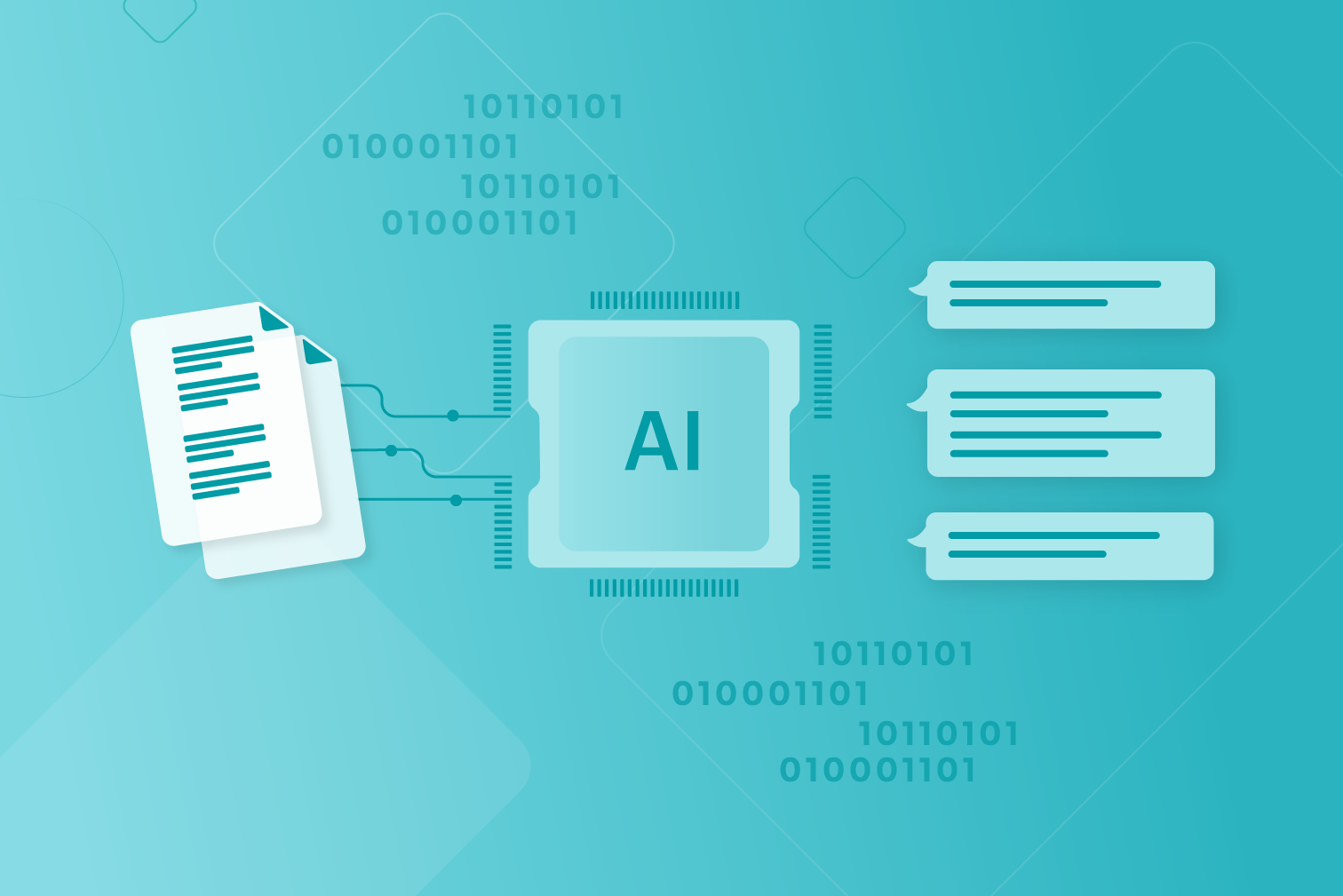
The way we work with PDFs has changed dramatically. In 2026, AI-powered tools are no longer just a convenience—they’re essential for anyone dealing with large volumes of information.
Whether you’re reviewing reports, studying academic papers, or analyzing contracts, you can now instantly extract key ideas, identify important data, and deliver concise summaries in seconds with the AI Summarizer.
Why use AI to summarize PDFs?
Reading long PDFs takes time. AI eliminates that bottleneck. Modern AI summarization tools can:
- Identify the main arguments and key points
- Extract relevant data and conclusions
- Understand context—not just keywords
- Deliver clear summaries in seconds
One of the most efficient ways to use AI tools is knowing the right questions, also called “prompts”. Using the best prompts will help you get the most out of these tools by making your questions more specific. These prompts are especially relevant when using the tool.
Here are some examples of useful prompts that you can use:
- What are the main arguments of this PDF?
- Summarize this PDF.
- List the main points on page 4, 7, and 10.
- Paraphrase the PDF’s conclusion.
How to use AI Summarizer
Using the AI Summarizer is simple and fast:
- Go to the AI Summarizer.
- Upload the PDF you need to summarize.
- Select your settings to decide on the level of AI processing and length of the summary.
- Download a copy of the summarized content.
Productive PDF tools
Whether you’re a student, professional, or just deal with a lot of PDFs - using PDF tools can save you a mountain of time by making you more efficient with your files.
iLovePDF offers over 25 tools that are designed to be user-friendly, with useful features like adding text to PDF and using cloud storage integration to make your document management more productive.

Aman dalam pengawasan kami
- Apa pun alat yang Anda gunakan, kami menggunakan enkripsi end-to-end untuk memastikan agar dokumen Anda terlindungi sepenuhnya dari pencurian atau penyadapan.
- Dokumen apa pun yang diunggah ke sistem kami akan dihapus secara otomatis setelah 2 jam untuk mencegah akses pihak ketiga yang tidak sah.
- Semua server kami diamankan dengan undang-undang Eropa, salah satu undang-undang yang paling ketat di dunia.


